Buying guideChristmas Gift ideas
Christmas gifts for a teenager who only seems interested in gaming
 By Natasha Weston · Published
How we choose products and write our guides
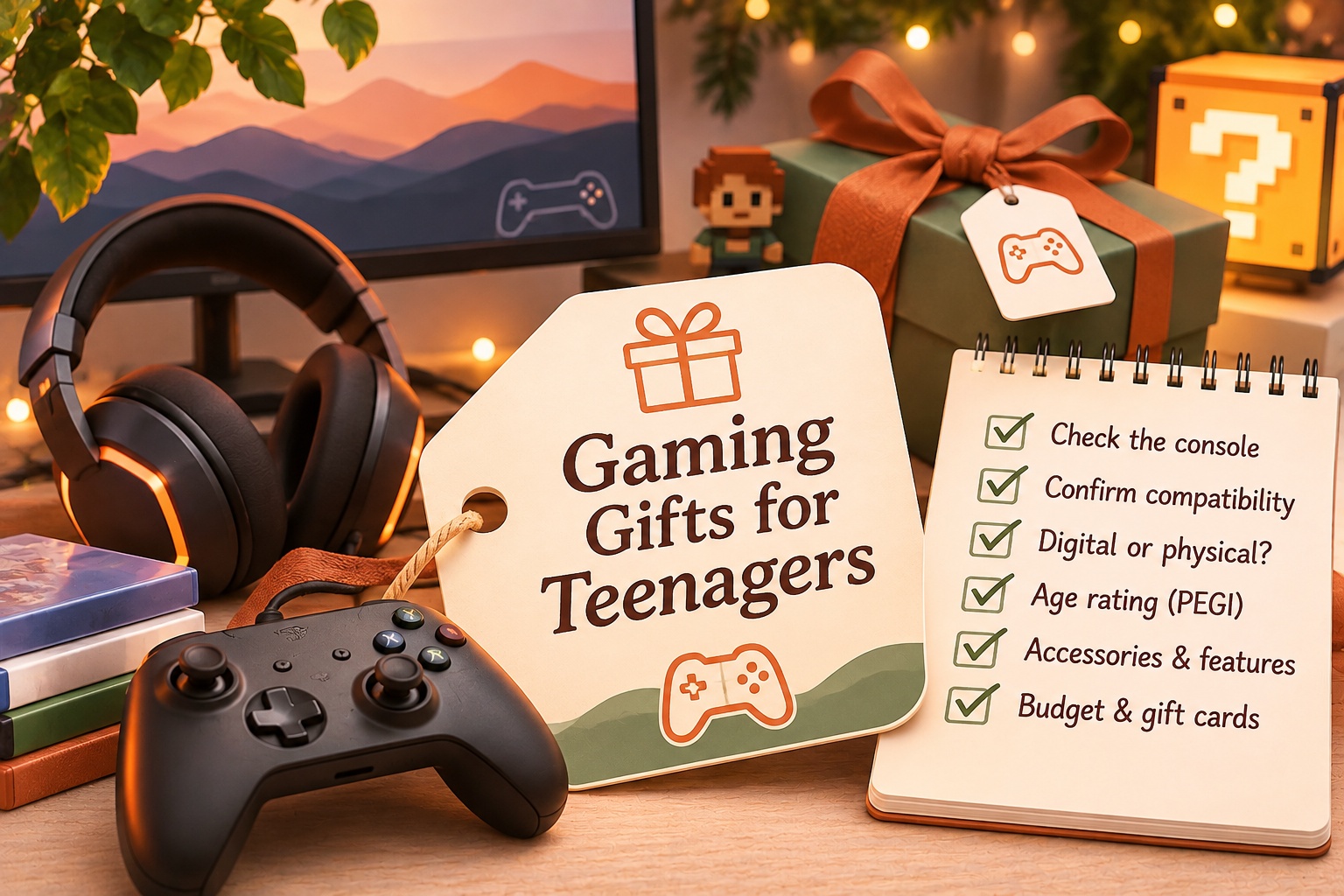
Ask what they want for Christmas and the answer is another game or a shrug. Find a useful starting point by understanding what they play, what they already own and which gifts would fit their interests.
You ask what they would like for Christmas.
“Don’t know.”
Yet they can happily spend an hour talking to their friends about a game you’ve never heard of.
Buying for a teenager who loves gaming can feel difficult when you don’t share the interest. Everything looks unfamiliar, the equipment seems expensive and you’re not sure whether the thing you’re considering will even work with what they own.
You don’t need to become a gaming expert. A few useful questions can help you avoid guessing.
Find out what they actually enjoy playing
“Gaming” covers very different interests.
They might enjoy building worlds, solving puzzles, managing a football team, racing cars or playing competitive games with friends. Someone who loves a relaxing farming game may have little interest in merchandise from a popular action series.
Try asking:
- What are you playing most at the moment?
- What do you like about it?
- Do you usually play alone or with friends?
- Is there a game you’re looking forward to?
You’re looking for clues, rather than testing their knowledge. Letting them explain something they enjoy can tell you much more than asking for a Christmas list.
Check the console before buying a game
Before choosing a physical or digital game, find out exactly which system they use.
PlayStation 4 and PlayStation 5 are different platforms. So are different generations of Xbox and Nintendo hardware. A PC game may also have requirements their computer needs to meet.
Check whether their console accepts discs or uses digital downloads only. Then confirm whether they already own the game, including through a subscription.
A recognisable title isn’t enough-the version needs to be right too.
Look at the age rating and discuss suitability with their parent or guardian where appropriate.
Be cautious with equipment
Headsets, controllers, keyboards and other accessories can make useful gifts, but preferences and compatibility matter.
They may need a particular connection, already have a favourite brand or care about features that aren’t obvious from the packaging.
If they’ve asked for equipment, request the exact model or a clear shortlist. That preserves plenty of room for a thoughtful present without risking an expensive near miss.
A lower-priced accessory they specifically want is usually more useful than a more impressive-looking one that doesn’t fit their setup.
Their favourite game can lead to other ideas
If you would rather buy something beyond a game or device, explore what they like about the game itself.
Do they love a particular character? Enjoy the artwork or soundtrack? Collect figures? Build models? Read stories connected to the same world?
That might point towards a book, collectible, building set or another related interest.
But check whether they actually enjoy merchandise. Playing a game every day doesn’t automatically mean they want its logo on their clothes or bedroom wall.
Don’t turn their present into a criticism
It can be tempting to choose something intended to get them away from a screen.
There’s nothing wrong with offering another activity, especially if they’ve shown an interest. But a Christmas gift can feel disappointing if its main message is that you disapprove of how they spend their time.
Look for a connection they would recognise. Someone who enjoys building games might also enjoy construction sets. A teenager who loves game stories may be interested in related books or artwork.
Treat that as a possibility to explore, rather than a guaranteed match.
Working with a smaller budget?
You don’t need to compete with the price of a console.
A carefully chosen small gift connected to a genuine favourite can feel more personal than a generic “gamer” gift set.
If you’re considering credit or a gift card, check the platform, account region and any relevant restrictions. Ask a parent or guardian before buying something involving ongoing payments.
Platforms, Compatibility and Accessories
Games and accessories are usually made for a specific platform, so check exactly which console or device they use - including the model, as some accessories only work with newer or older versions. Also check:
- Digital or physical: some consoles have no disc drive, so a physical game won't work.
- Online play: some games need a paid online subscription for multiplayer.
- Age ratings: PEGI ratings on the box are a guide to content.
- Accessories: controllers, headsets and charging stands must match the platform.
Budget
Under £20, look at gaming books, merchandise from their favourite game or smaller accessories. £20-£60 covers most new games and many controllers. Consoles and gaming chairs cost more and are worth checking with a parent first.
Browse our Gaming gift page, or read our guide to choosing gaming presents for more detail.
Keep the useful details for next time
Once you know their console, favourite games and whether they like collectibles, record those details in their Givumi profile.
Update them as interests change. Add things they already own and gifts they would rather avoid.
The next time you’re choosing a present, you’ll have a clearer starting point than “likes gaming”-and they may be pleasantly surprised by how much you remembered.
Keep reading